BMW Coding/Flashing/Progrmming
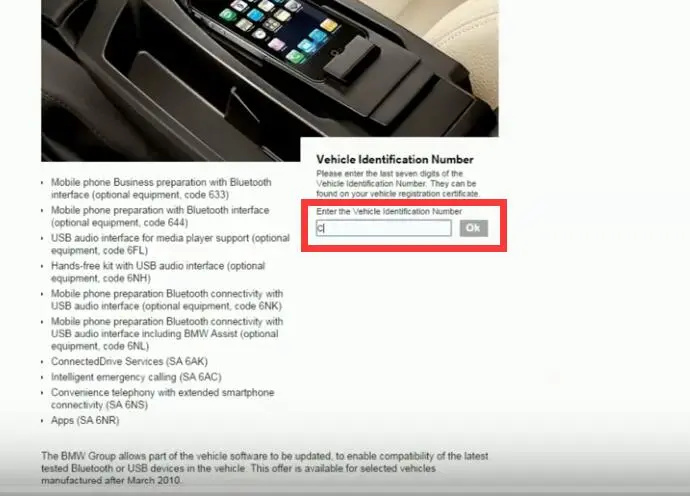
Step 1:Click link:www.bmw.com/ to download iDrive update software
(Note:You need to enter your “Vehicle Identification Number” to get permission )
Step 2:Check the lastest iDrive Software,and check “I accept the usage right agreement”.Then click “Download software”.Wait for finishing,and then copy it to your U disk.
Step 3:Plug U disk to USB port of your BMW, then power on iDrive.
Step 4:Enter iDrive Menu,select “Software update”
Select “Update software”
Select “Start update”
It reminds “For your safety,the update can only be installed when stationary.BMW services,Office and connected devices are briefly unavailable after update.”Seltct “OK”
Updating software
Do not remove the USB device nor move the vehicle until the update has been completed.
If you want to know more bmw diagnostic and programming tools, please click BMW ICOM.

請先 登入 以發表留言。